

Project Overview
Duration
6 months
Scope
UX/UI Design
UX Research
User Testing
Game Development
Role
UX Designer
Team
Clinicians (Speech Therapist)
Creative Director
Product Manager
Front End Developers
Visual Designers/Illustrators
Animators
Everyday Speech is an edtech company that collaborates with Speech-Language Pathologists to provide Social Emotional Learning (SEL) lessons, interactive activities through games and video modeling.
I took on the role as the UX Designer and lead the project from end to end.
I worked closely with the clinicians, creative director, developers and other stakeholders to design a seamless experience for preschool students to level up their SEL skill sets.
The Challenge:
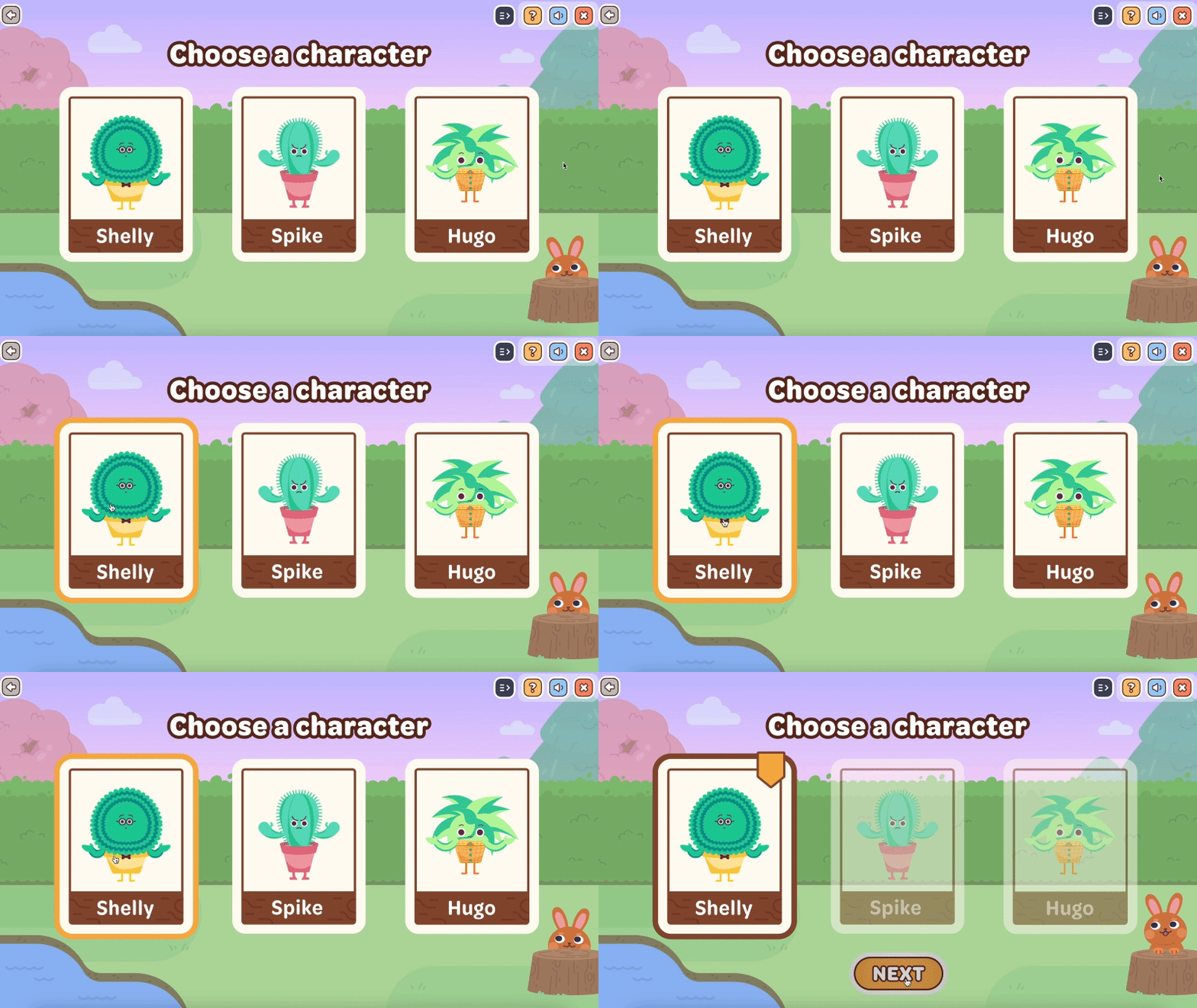
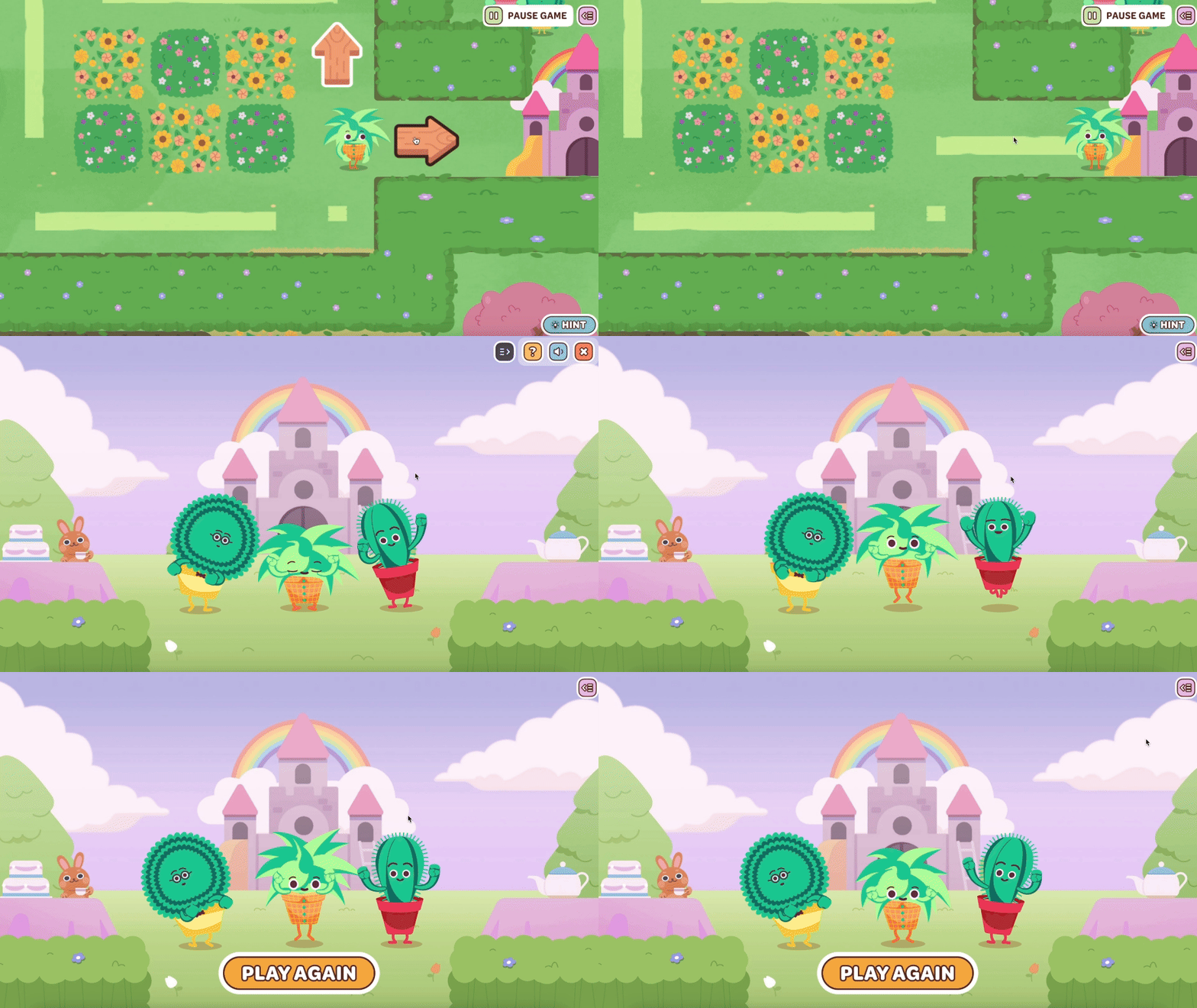
Everyday Speech is looking to create and expand their game library whose focus will be on a specific Social Emotional Learning skill called Switching Tracks. This game called Garden Maze focuses on the target audience for Pre-k and is supported with storylines, interesting characters, rewards and functions that let the children interact with the game.
About my design process
To start off, I've brainstormed with clinicians to compile ideas to share with our stakeholders until landing on a game design. As a team, we decided to build a Maze game, as this is a great way to improve the cognitive skills of children, sharpen their memory and build their focus to increase their concentration throughout the game play. Right now there are over 30,000 active users on our platform world wide.
As the only UX Designer on this project, I've...
-
Conducted research to understand the target audience, their learning goals, and their preferences for gameplay and user experience.
-
Generated low to high fidelity wireframes, prototypes to share with stakeholders, document game design processes, and specifications to facilitate communication among team members and stakeholders
-
Iterated on game design based on user feedback to continually improve the educational value and user experience of the game.
-
Collaborated with clinicians, product managers, and developers to align game design with learning objectives
Key Accessibility features I built into the experience:
-
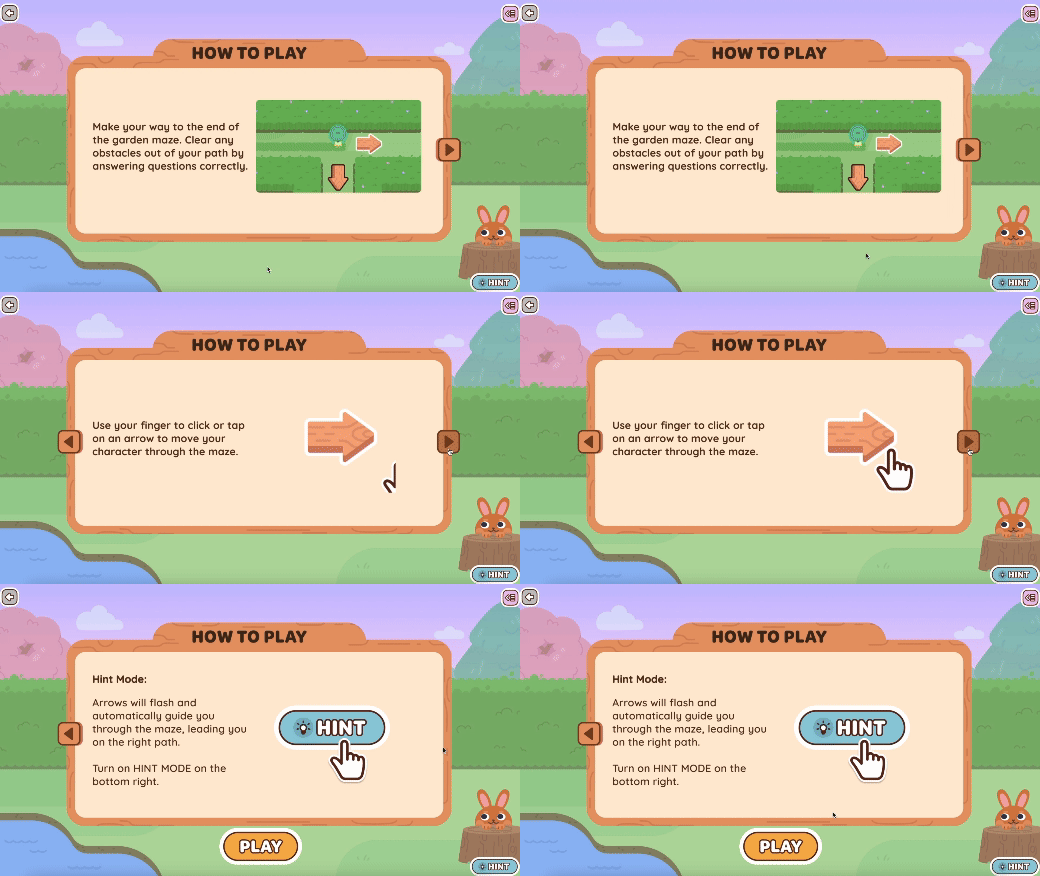
Clear navigation and user control: After pressing “Play,” learners are shown a clear call-to-action bar at the top, giving them control over audio playback, closing the page, accessing help, or going back. This empowers users to choose how they interact with the content especially important for varied sensory needs.
-
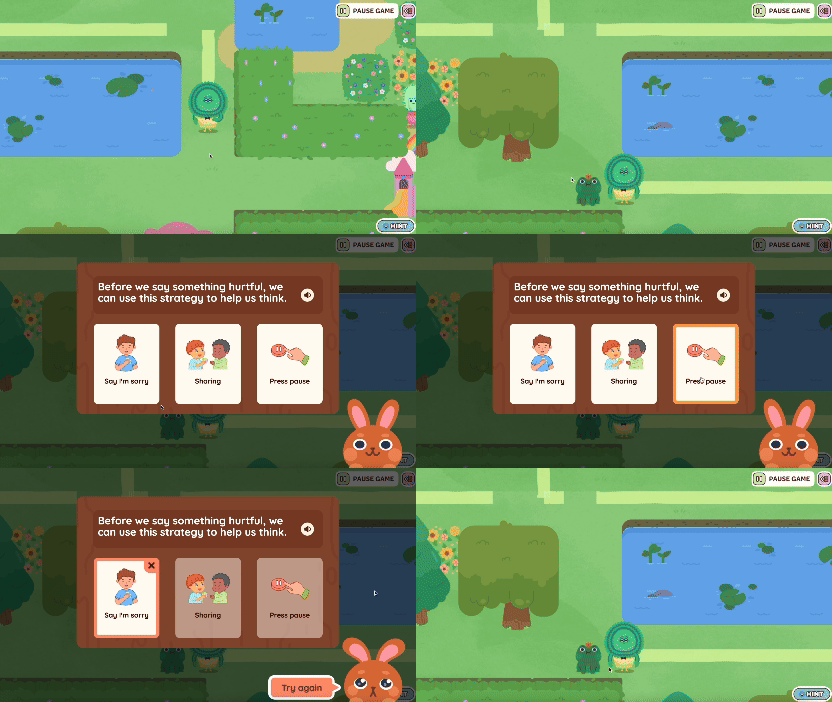
Visual and auditory support: All visuals, text, and colors were tested to meet WCAG 2.1 contrast guidelines. Audio narration is included with replay options, and multiple choice questions pair illustrations with text, making it easier for non-readers (like preschoolers) to understand and respond.
-
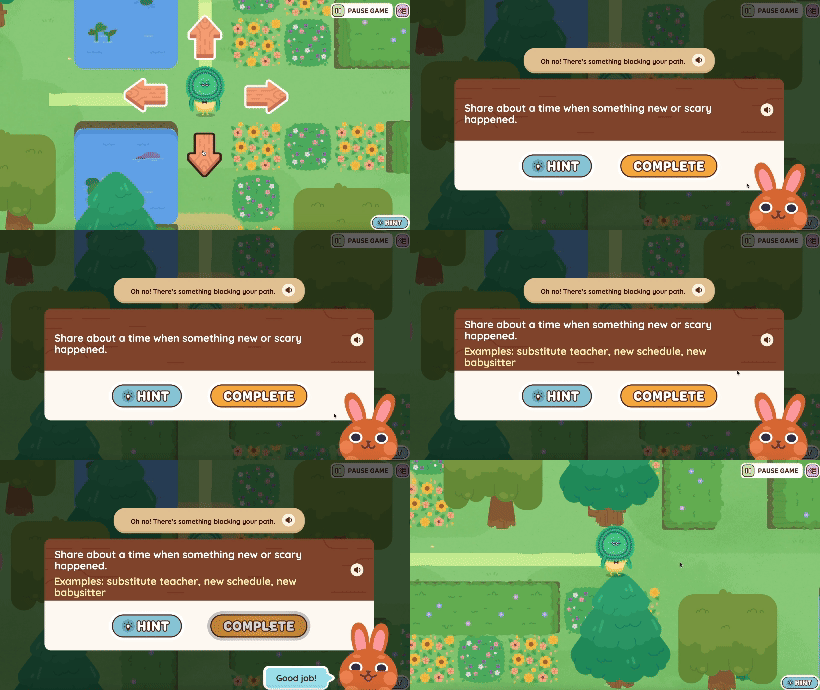
Keyboard and mouse accessibility: The game supports mouse click navigation, which aligns with how young learners naturally interact with devices. For broader accessibility, I also designed keyboard functionality arrow keys to move the character and Enter to select answers supporting users with motor limitations or alternative access needs.
-
Cognitive and attention design: Understanding that young learners have shorter attention spans, I added a hint path through the maze to visually track progress and reduce cognitive load. This helps users orient themselves within the experience and prevents frustration.

If you’re interested in learning more about how I designed Garden Maze, please reach out to my email minyihu.em@gmail.com or check out their website at Everyday Speech. This game is currently live on their portal. Thank you! :)